




Remote access is a business necessity. Around 50% of workers use remote access technologies to work from home or on the move. Many of those workers access remote desktops to recreate workplaces outside the office.
While workers see Office 365 or SalesForce on their displays, a lot happens under the hood. Businesses rely on remote access protocols to connect devices and transfer data. In every case, companies must secure remote access methods while ensuring optimal performance.
This blog will explore remote access protocols and introduce some popular varieties. We will also list some remote access best practices to help you find the perfect setup.
What are remote access protocols?
Remote access protocols enable connections between remote devices and servers. Protocols set the conditions for transferring data packets, allowing workers to access desktops hosted on centralized data centers. Many protocols also strengthen security by applying encryption to hide traffic from outsiders.
Common types of remote access protocols
Almost every device has an in-built remote access protocol. Windows uses the Remote Desktop Protocol (RDP), while Linux and Macs use the Secure Shell Protocol (SSH).
Protocols have default settings, which often suit user needs. However, there are occasions when customizing remote access protocols is essential. You may also add extra protocols to improve security or ensure compatibility with other systems.
When you deviate from default setups, it’s important to understand how remote access protocols work. Let’s explore the main remote access protocols and how to use them.
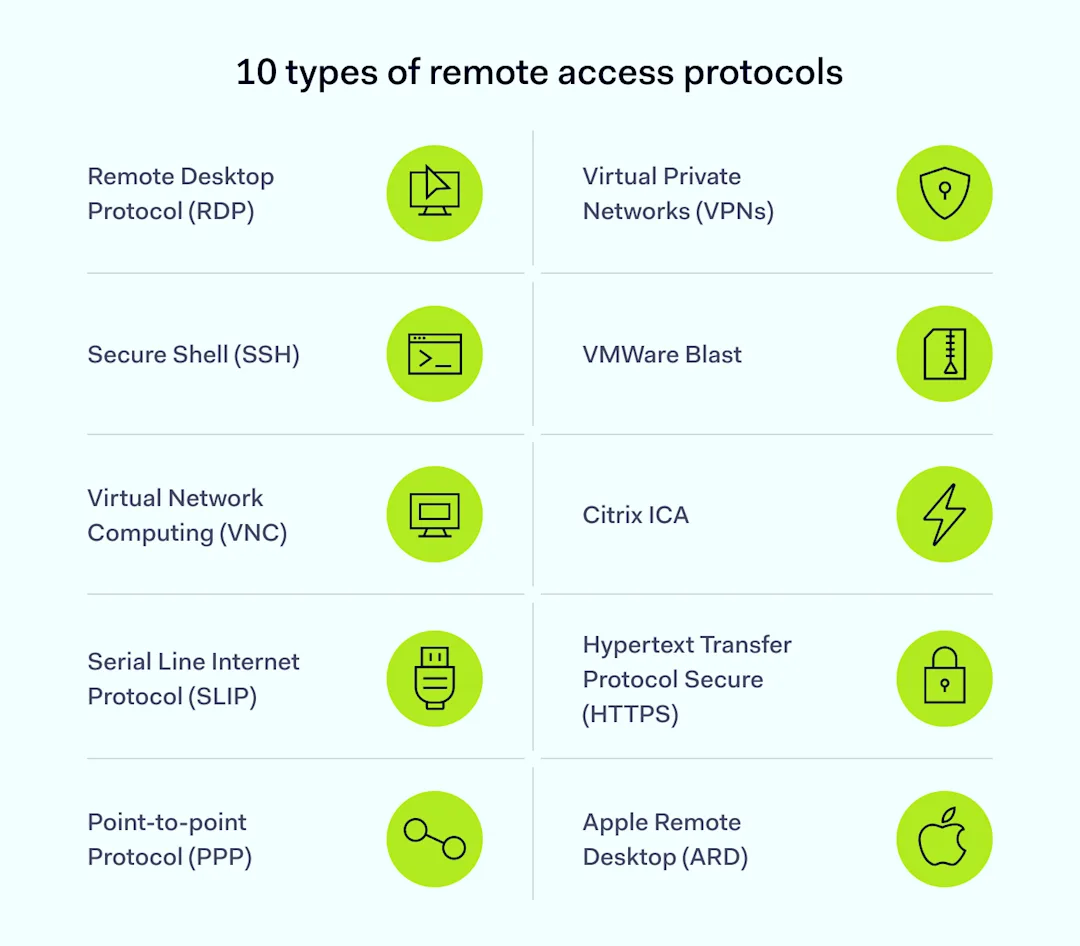
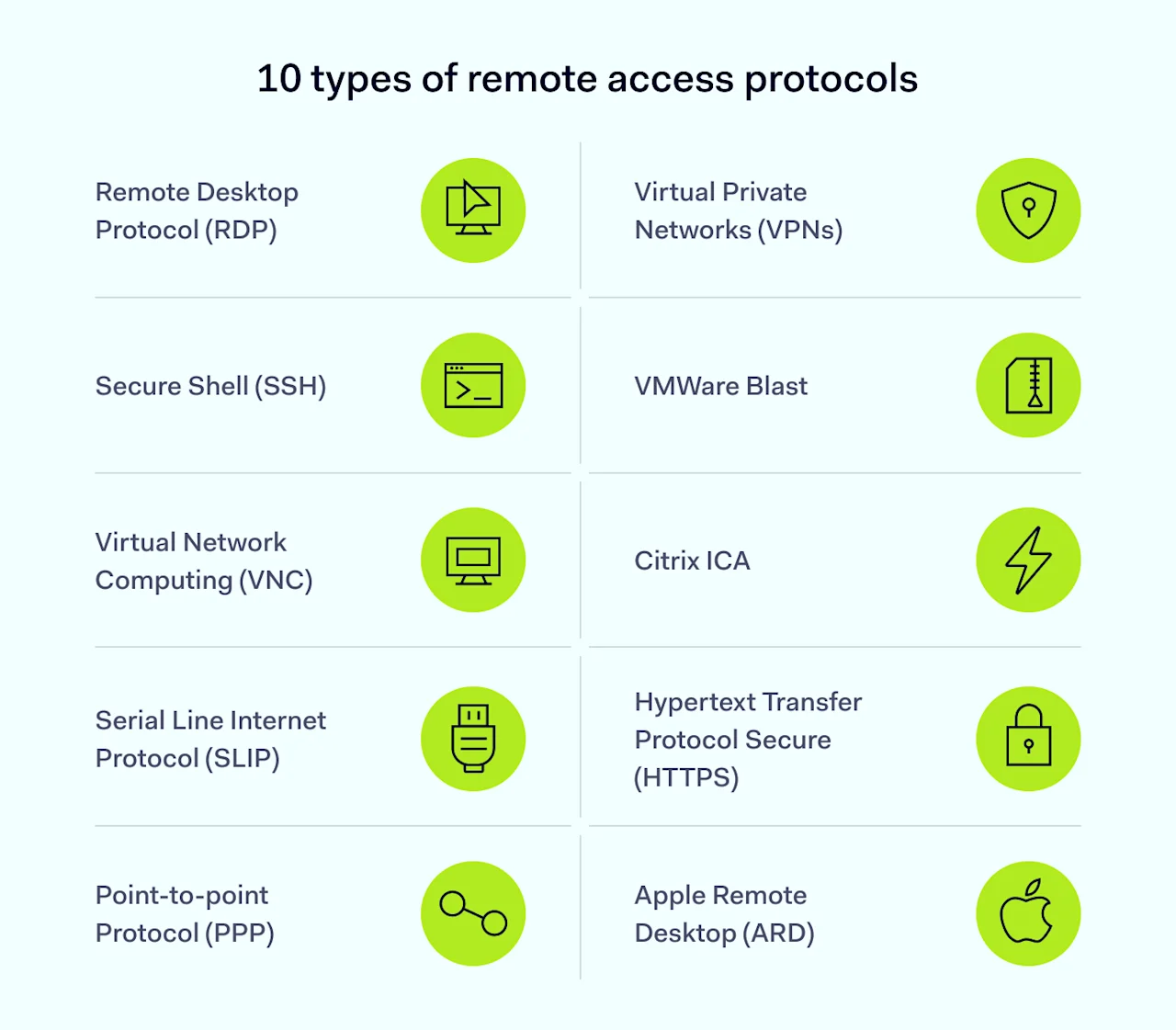
Remote Desktop Protocol (RDP)
Microsoft created the Remote Desktop Protocol in 2012. RDP uses a server and client setup to organize shared connections between remote devices and central servers. Engineers use RDP to access remote devices securely, and the protocol works with Windows, Linux, Mac OS, and even Android.
RDP uses port forwarding and the TCP/IP transfer protocol to send and receive data over a network channel. This channel carries data about keystrokes, mouse movements, and visual information from remote servers.
With RDP, users don’t need to host apps on their devices. They can access central assets via RDP and work via the remote desktop.
Secure Shell (SSH)
The Secure Shell remote transfer protocol allows remote users to deliver command-line instructions to central devices. The SSH protocol encrypts commands and enables secure file transmission. These features make it a popular protocol for server management.
SSH may also be a good option for secure remote access. The SSH protocol uses public and private keys to authenticate connections. RDP relies on password credentials supplied by remote users, which can be vulnerable to theft or brute force attacks.
Virtual Network Computing (VNC)
Like RDP, VNC users remotely control applications stored on central servers. Unlike RDP, VNC uses the Remote Frame Buffer Protocol (RFB). The screen-sharing protocol allows remote capture of devices, providing greater control compared with RDP.
VNC is popular because it is platform-independent. Many users can connect to a VNC instance, regardless of their operating system. It is a common choice for IT or customer service teams who need secure access to user devices.
Serial Line Internet Protocol (SLIP)
SLIP is one of the oldest remote access technologies, having appeared in the 1980s. First used to connect Unix devices, SLIP is still a popular way to control TCP/IP data transmission.
SLIP creates point-to-point pathways between serial devices. Serial communication is rarely used in remote working as it struggles with audio-visual data flows. However, companies commonly use the technique to control internet-of-things devices due to its low cost and simplicity.
Point-to-point protocol (PPP)
Point-to-point protocols use TCP/IP to create secure connections between remote devices and central servers. Operating at the link layer, PPP is a go-to protocol for Internet Service Providers.
PPP is the foundation of other remote access technologies. For example, Point-to-Point Protocol over Ethernet (PPPoE) allows rapid file transfers over Ethernet connections. PPPoE also enables network monitoring to track user activity.
Virtual Private Networks (VPNs)
Virtual Private Networks use variants of the Point-to-Point Tunneling Protocol (PPTP) to create secure tunnels between clients and servers. Tunneling enhances user privacy by encrypting data and assigning fresh IP addresses.
These features make VPNs some of the most secure remote access solutions. However, VPN protocols are not specialized for remote desktop access. They tend to operate alongside RDP and other remote access technologies.
Remote access VPNs create digital gateways to secure other forms of remote access. That’s especially useful for remote workforces that connect via home offices and unsecured public networks.
VMWare Blast
Blast is VMWare’s virtual display protocol and uses the H.264 video compression standard to transfer video data. Compression makes Blast a good option if companies rely on video conferencing and virtual meetings. It also suits remote desktop access with complex visual demands.
VMWare Blast is platform-neutral, supporting Linux, MacOS, and Windows. It uses the UDP and TCP/IP framework for data transfers, while encryption and authentication functions provide additional security.
Citrix ICA
Citrix ICA is a proprietary remote desktop protocol focused on high-performance desktop access.
The “Independent Computing Architecture” resembles RDP’s client and server architecture. Unlike basic RDP, Citrix ICA optimizes data flows for graphics and audio. This reduces latency and enhances efficiency.
Hypertext Transfer Protocol Secure (HTTPS)
HTTPS is a secure version of the Hypertext Transfer Protocol that transmits most web traffic.
Companies can use it to secure remote access via web applications. For example, HTTPS enables collaboration via Google Docs or access to publishing tools like Canva.
The problem with HTTPS is it only applies to web-based traffic. Users will need additional protocols to secure other forms of traffic.
Apple Remote Desktop (ARD)
Apple’s version of the Remote Desktop Protocol, ARD, allows remote management of MacOS systems. It provides similar services to RDP, including remote admin and file transfers.
IT teams can use ARD to remotely manage software on Apple devices or control many Macs on a company network. ARD also features screen-sharing, file distribution, and software installation to ease the workload for security teams.
ARD is only used with Apple systems. You can use it as part of remote access systems, but other protocols are needed if PCs or other devices are involved.
How should you choose the right remote access protocol for your needs?
Take care when choosing different types of remote access protocol, as the protocol you select influences overall performance.
Remote access solutions should balance criteria and take business needs into account. In some situations, security is critical. In others, speed matters slightly more. Here are some criteria to guide your decision-making:
Security. If security is foremost, choose remote access protocols that support strong encryption and authentication systems. A smart remote access setup based on combining VPNs and RDP should protect critical data.
Speed and performance. Fast protocols consume minimal bandwidth and generate very little latency—handy if you rely on split-second connectivity. Protocols may also support file compression to reduce transfer volumes, another good way to improve performance.
Compatibility. Think about how remote access protocols fit into your network environment. Some RAPs support all operating systems. Others, like RDP or ARD, are less wide-ranging. Check your protocol works with visualization platforms like Citrix (if you use them).
Cost. Sourcing a proprietary remote access protocol like VMWare Blast can be expensive, as companies must buy licenses for every user. RDP or other solutions may be better suited to small businesses on cost grounds.
Best practices for using remote access protocols
Challenges remain after choosing remote access protocols. How should you use protocols securely and efficiently to achieve your business goals?
Implementing remote access technologies varies between businesses, but some best practices apply across the board:
Use multi-factor authentication (MFA). MFA requires extra user credentials before establishing a remote access session. Most protocols support authentication, which cuts the risk of outsiders gaining control of network devices.
Encrypt data securely. Encryption scrambles data packets transported via remote access protocols. Tools like RDP do not provide strong encryption by default. The safest option is applying encryption over the top via VPN protocols.
Segment networks for added security. Strengthen protection by isolating remote access servers in secure network segments. Control access to this secure zone and minimize east-west movement if attackers breach remote access defenses.
Update software regularly. Remote access protocols can be vectors for exploit attacks. Regular patches and software updates keep network assets current and protected against known vulnerabilities.
Monitor remote access. Security teams can monitor data transferred via remote access protocols to detect suspicious activity. Maintain activity logs and schedule regular audits to identify potential problems.
Organize user training. Users must know how to use remote desktop protocols securely. Password hygiene, VPNs, patching, and avoiding unsafe public spaces should all appear in training programs.
Use load balancing to scale RAP solutions. Scaling remote access protocols can cause performance issues. Load balancing helps you manage bandwidth and avoid network bottlenecks.
Remote access protocols: How NordLayer can help
To connect to a remote device, you need a remote access protocol. Products offering this service should be compatible with popular protocols.
The best solutions not only establish the connection but also ensure it is encrypted and secure, like NordLayer. NordLayer’s Smart Remote Access works with SSH, VPC, and RDP protocols. Additionally, NordLayer provides extra security like encryption and access controls, enhancing the safety of remote connections.
Our Smart Remote Access (SRA) feature allows organizations to create virtual LANs interconnecting several work devices. Users can easily reach other devices connected to the same Virtual LAN as if they were on the same physical network.
Virtual LANs created with NordLayer’s SRA are extremely safe, as only authorized users and devices can access network assets. Employees can upload and delete files securely while VPN technology runs in the background—making connections secure wherever users are. IT admins can troubleshoot issues remotely and manage servers from different locations without hassle. Remote desktops can run without security concerns, keeping sensitive data protected.
For example, a sales team on the road can access internal resources and update the CRM in real time, improving response times and data accuracy. A development team spread across different locations can collaborate on code, share files, and use shared servers, boosting productivity and keeping projects on time. Healthcare professionals can access patient records securely from various locations, ensuring timely and accurate medical care.



