

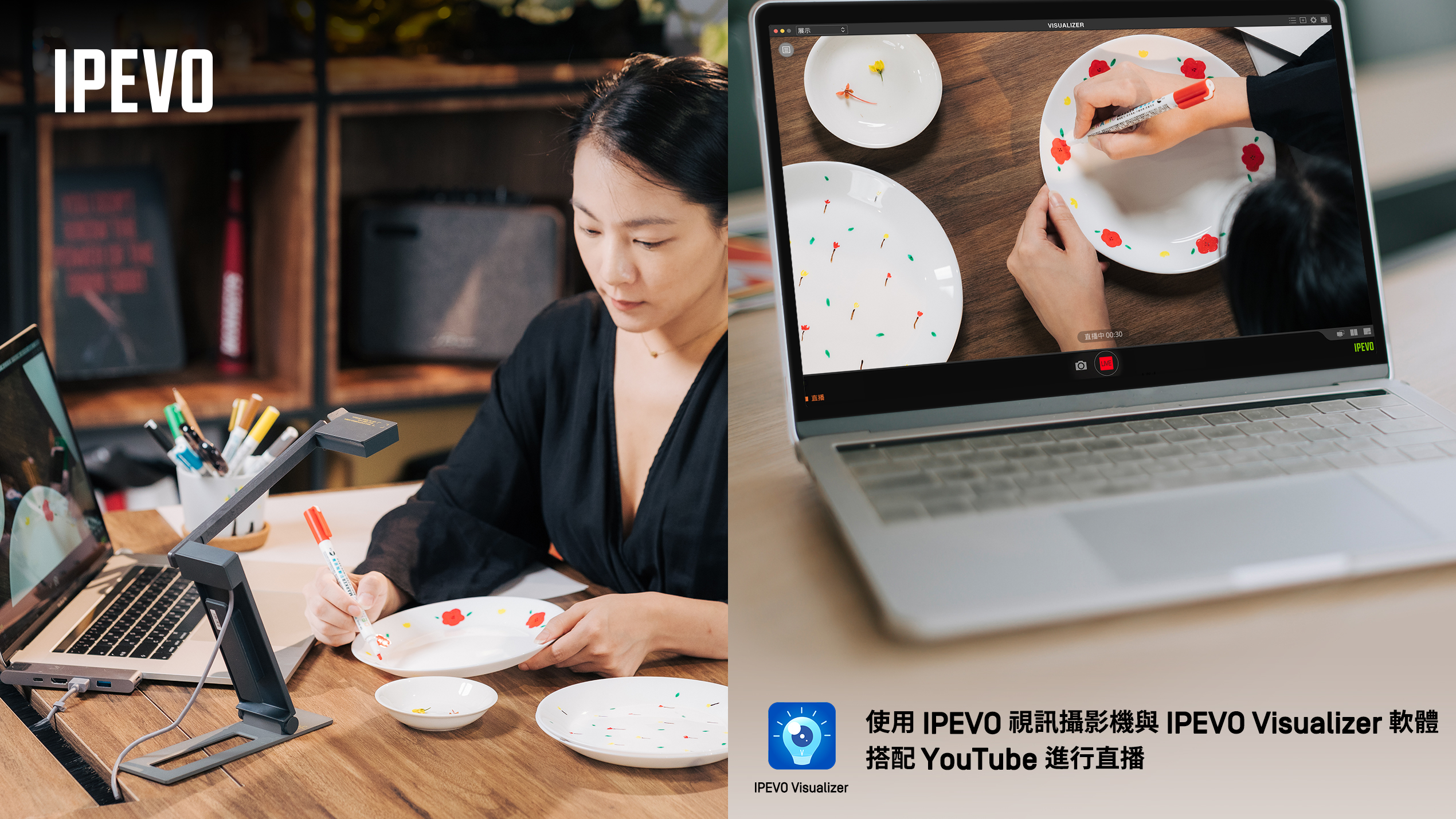
使用IPEVO 愛比科技視訊教學攝影機 與 IPEVO Visualizer 軟體,透過 RTMP 方式串流影像,以 YouTube 進行直播,請參考以下設定步驟:
① 下載 IPEVO Visualizer 軟體

② 透過此連結 https://studio.youtube.com/ 登入您的 YouTube 或 Google 帳號。
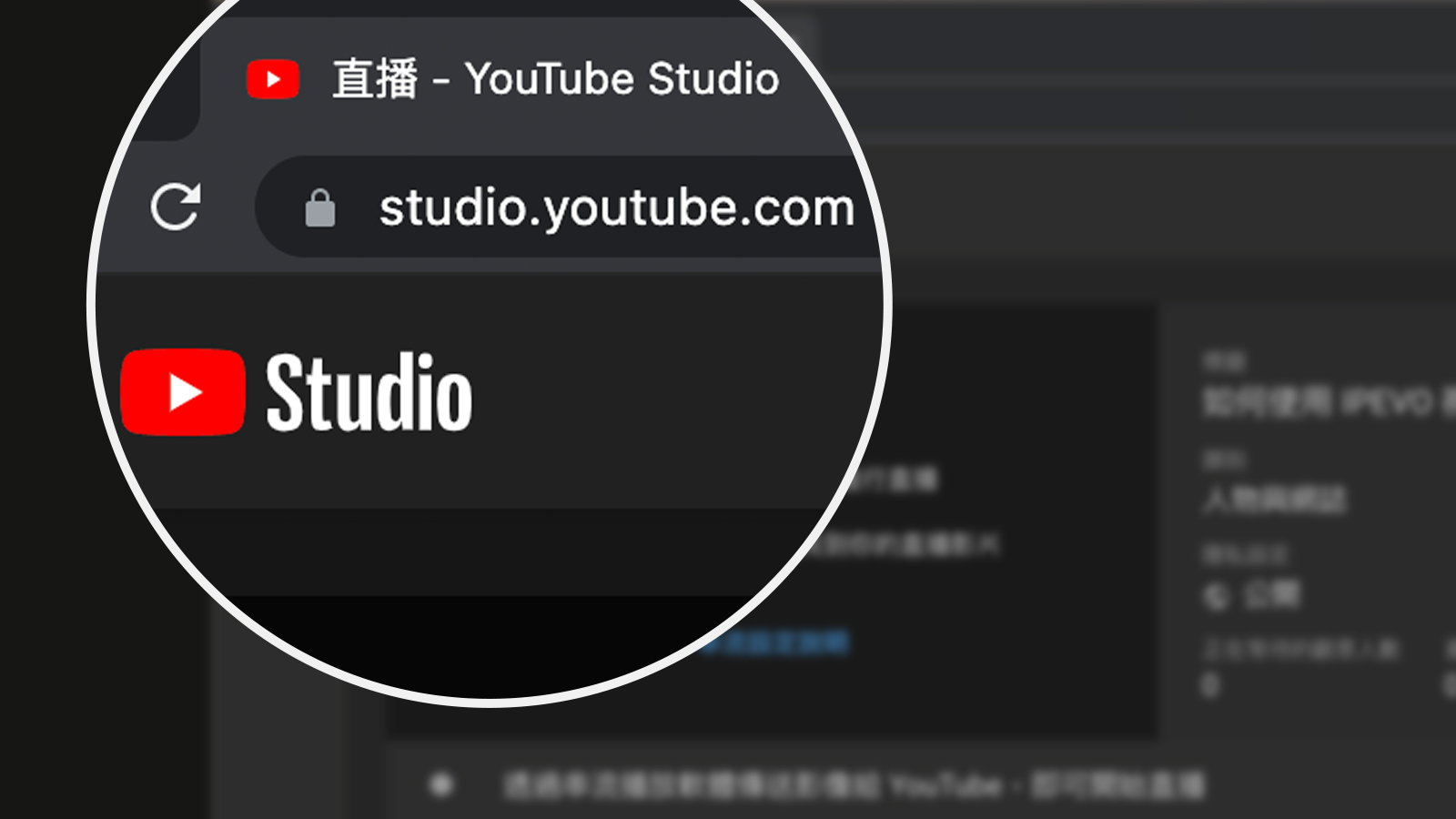
③ 移至串流設定頁面,複製串流網址。
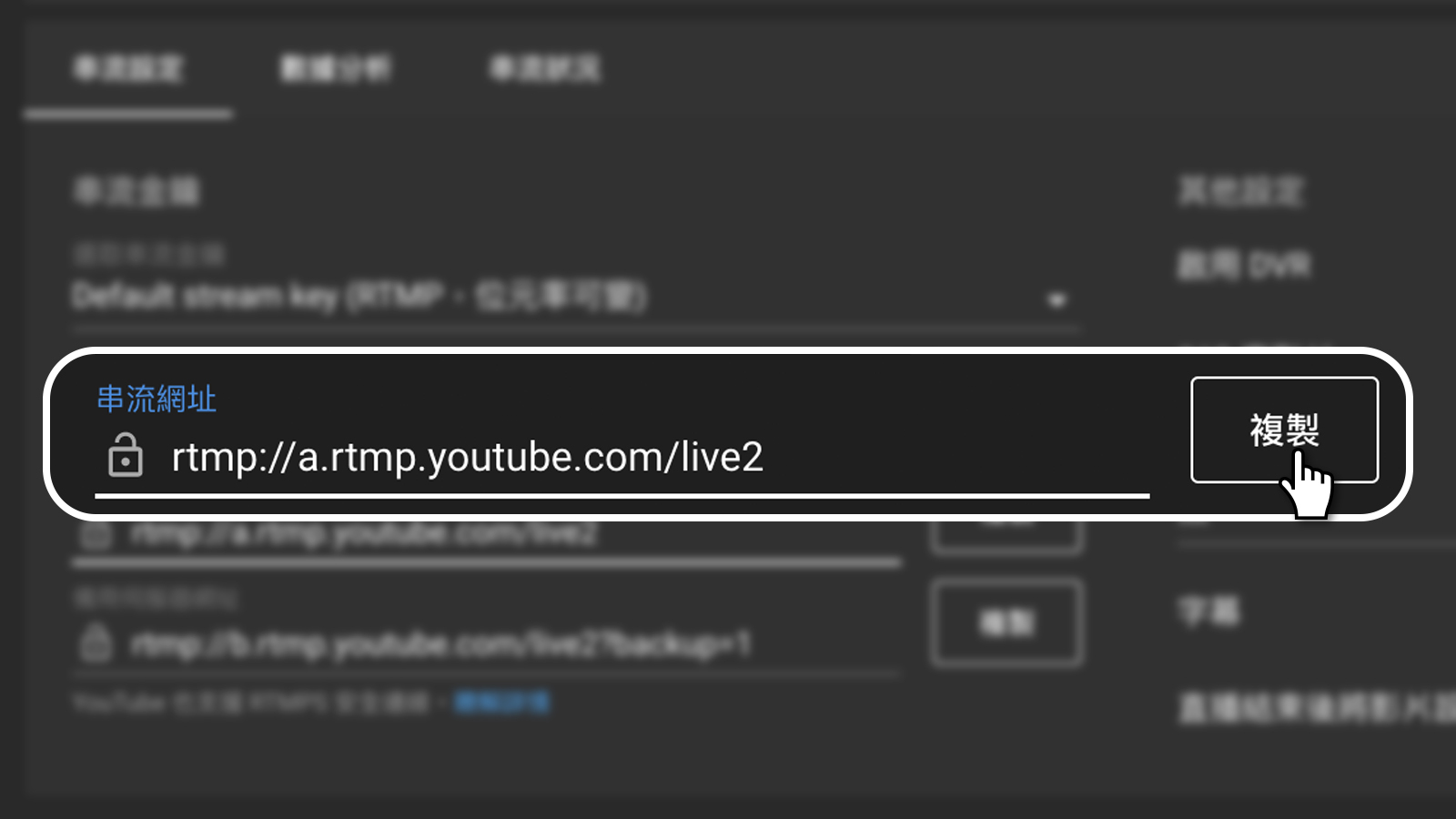
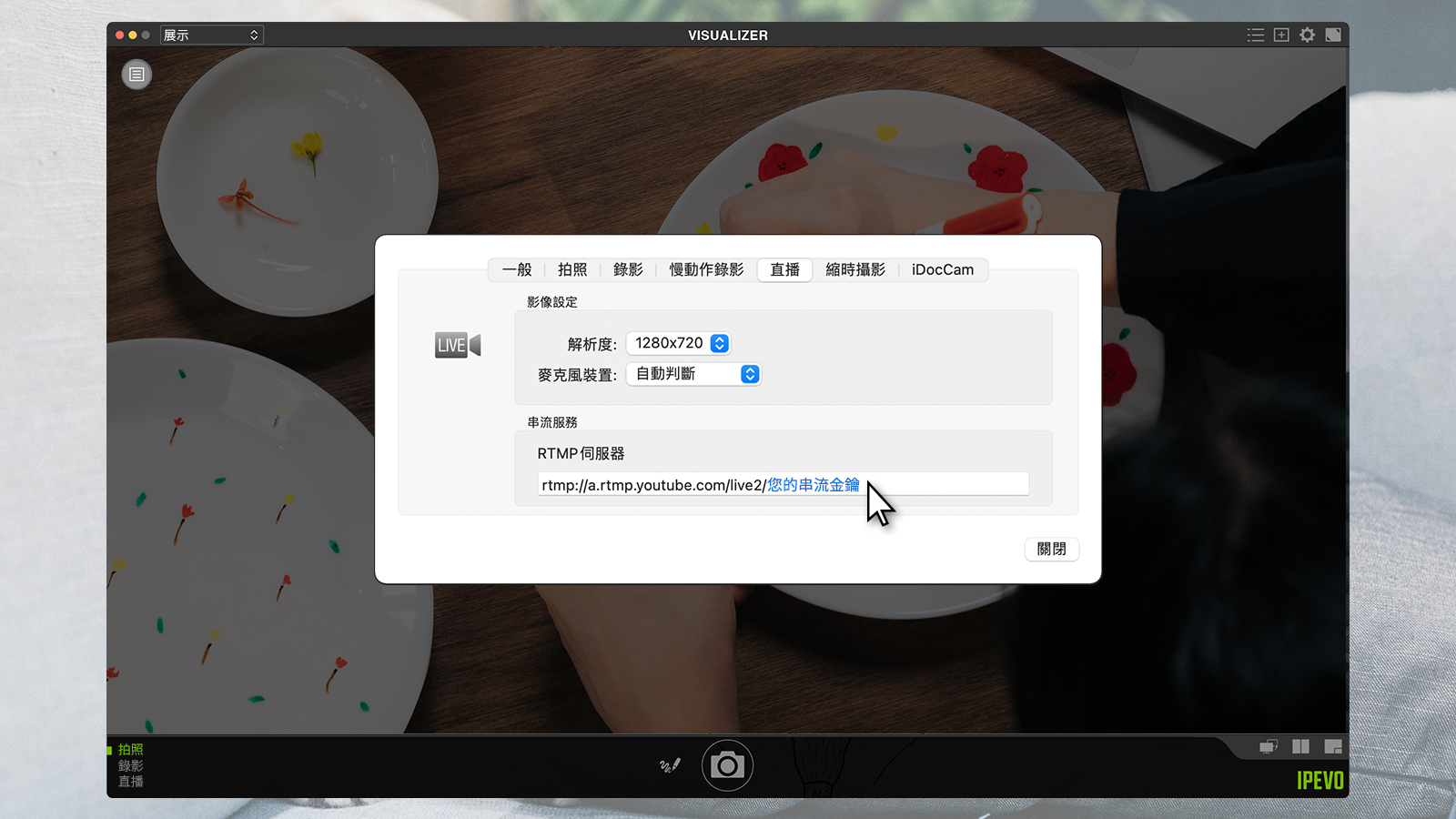
④ 開啟 IPEVO Visualizer,點選上方的設定按鈕(齒輪圖示)進入功能設定>直播,將剛剛複製的串流網址貼在RTMP伺服器的框格中。(此為 Mac 作業系統介面,其餘作業系統之「設定按鈕」位置略有不同,請至 IPEVO Visualizer 網頁,參照相對應的作業系統介面設定。)
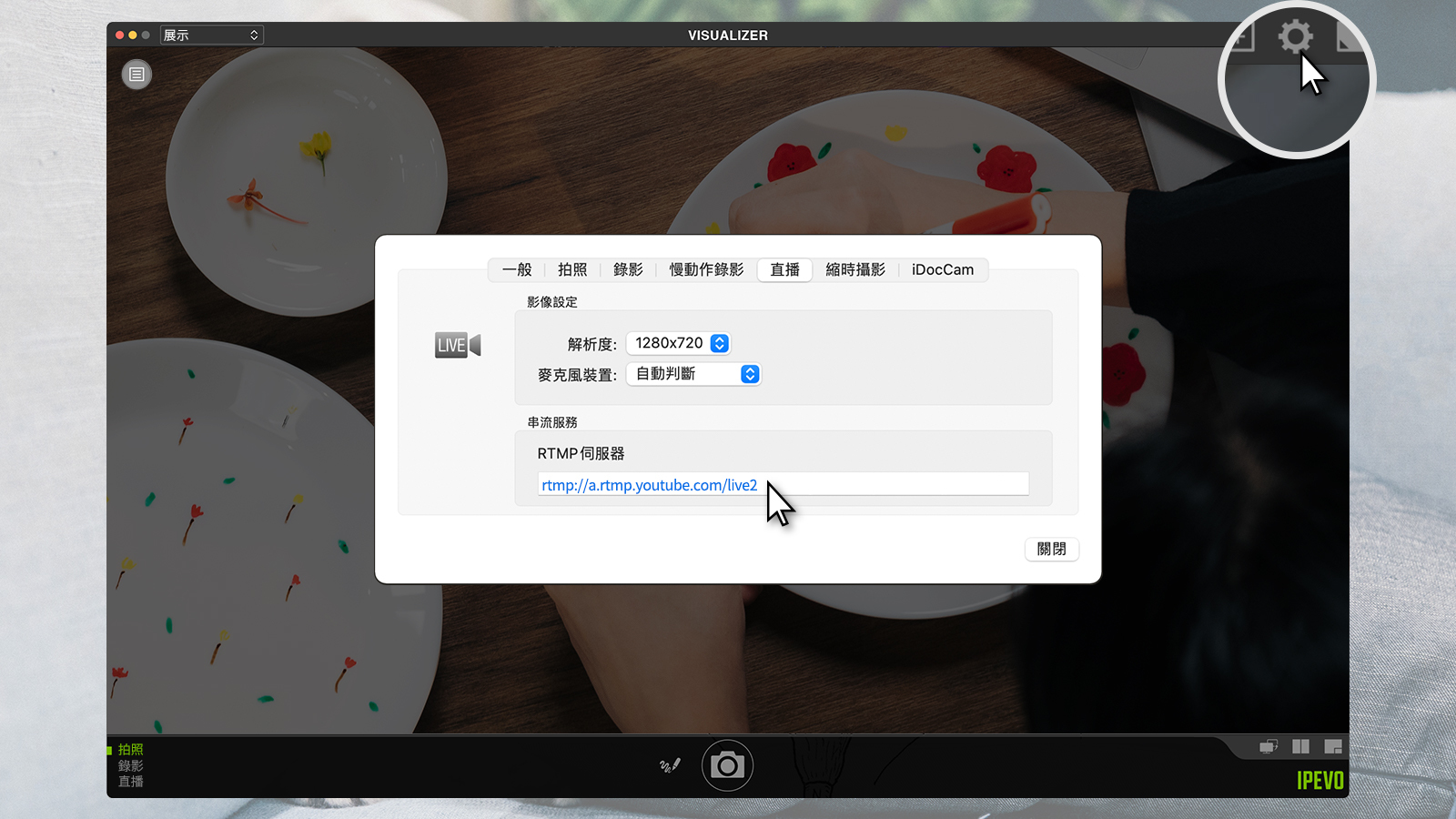
⑤ 回到 YouTube 串流設定頁面,複製您的串流金鑰。
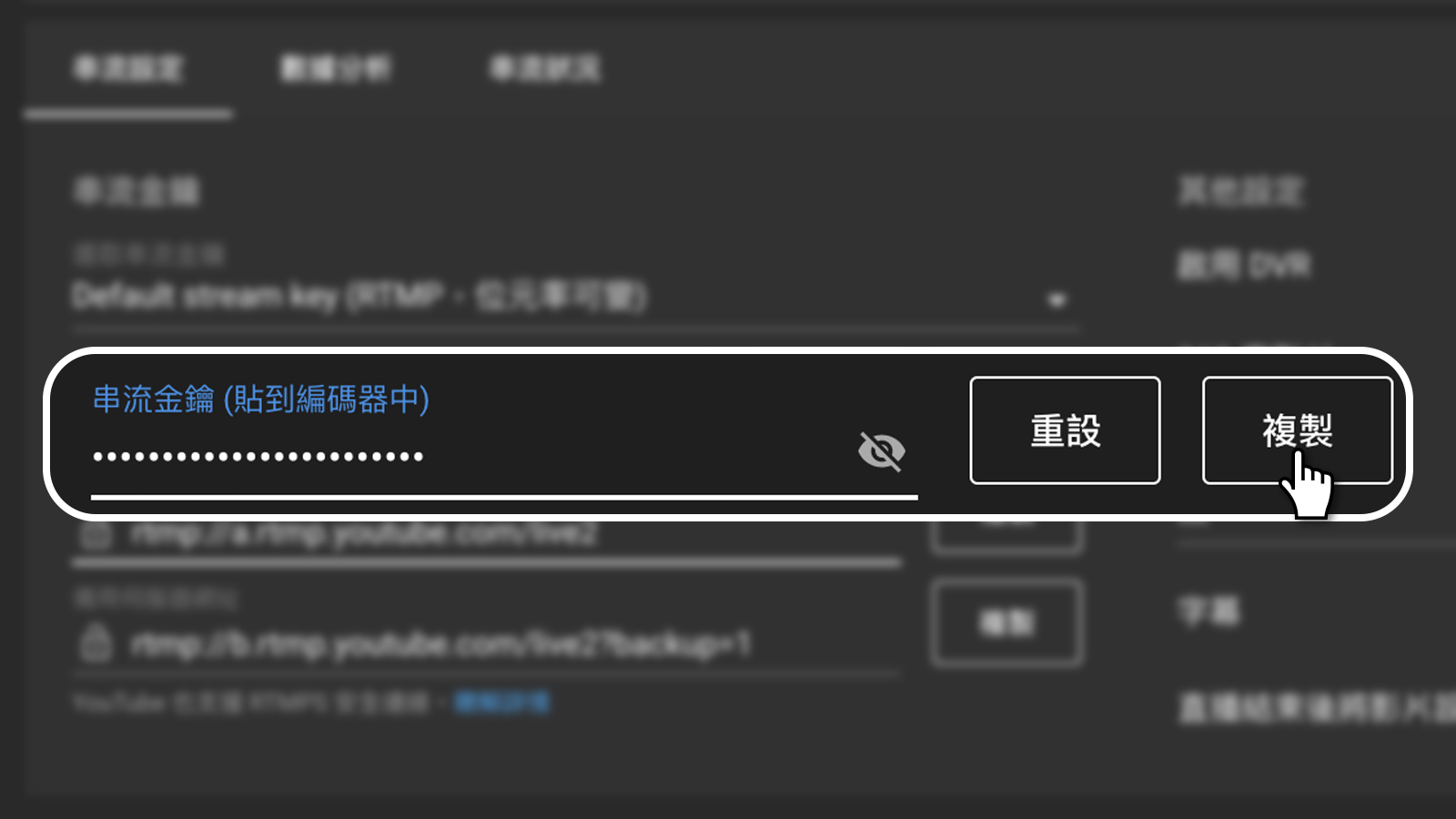
⑥ 回到 IPEVO Visualizer 直播設定頁,將串流金鑰貼在剛剛貼上的串流網址後方,例如
rtmp://a.rtmp.youtube.com/live2/您的串流金鑰.
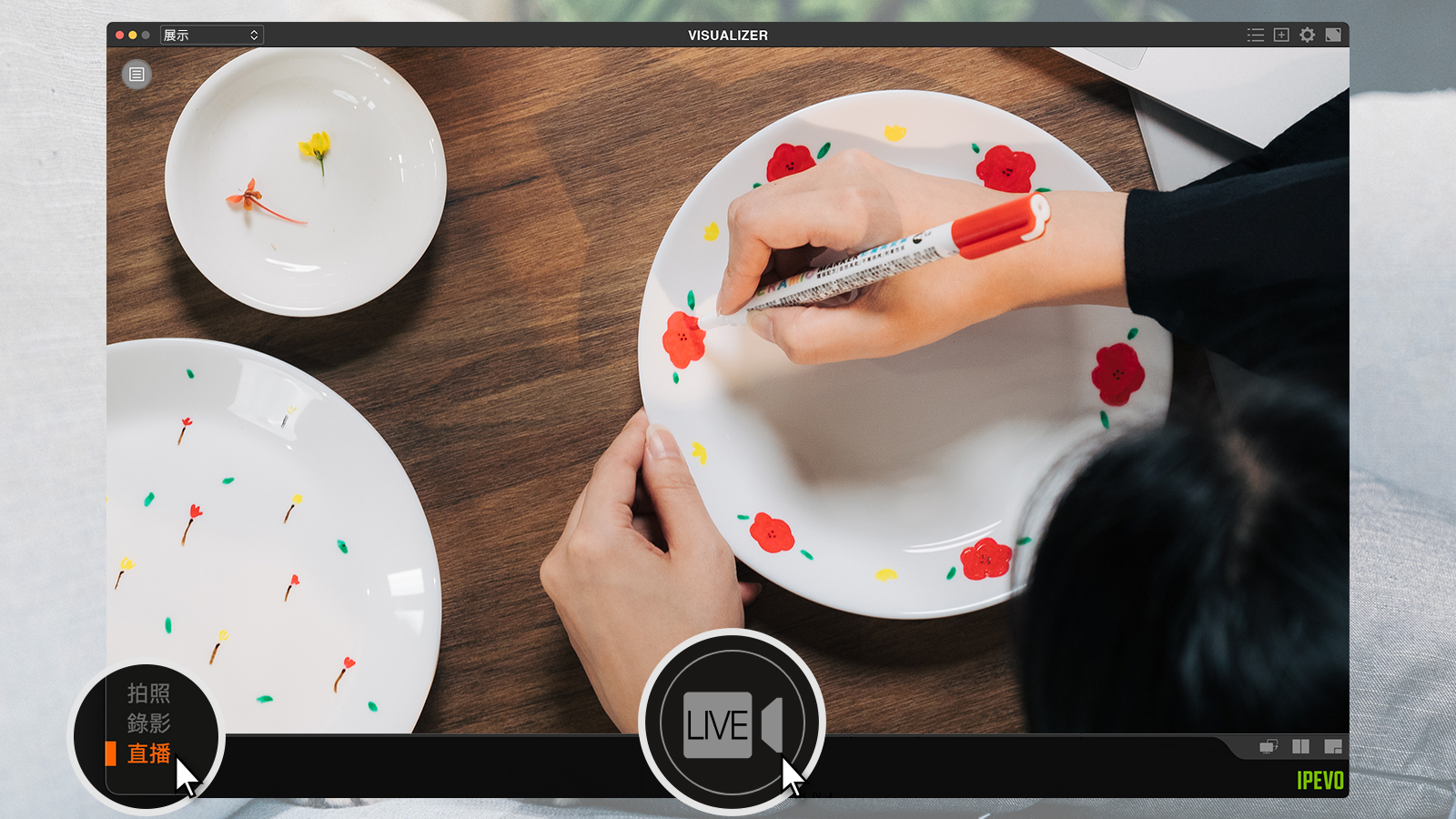
⑦ 輸入完成後關閉,並點選 IPEVO Visualizer 介面正下方的直播按鈕開始直播。便完成設定。
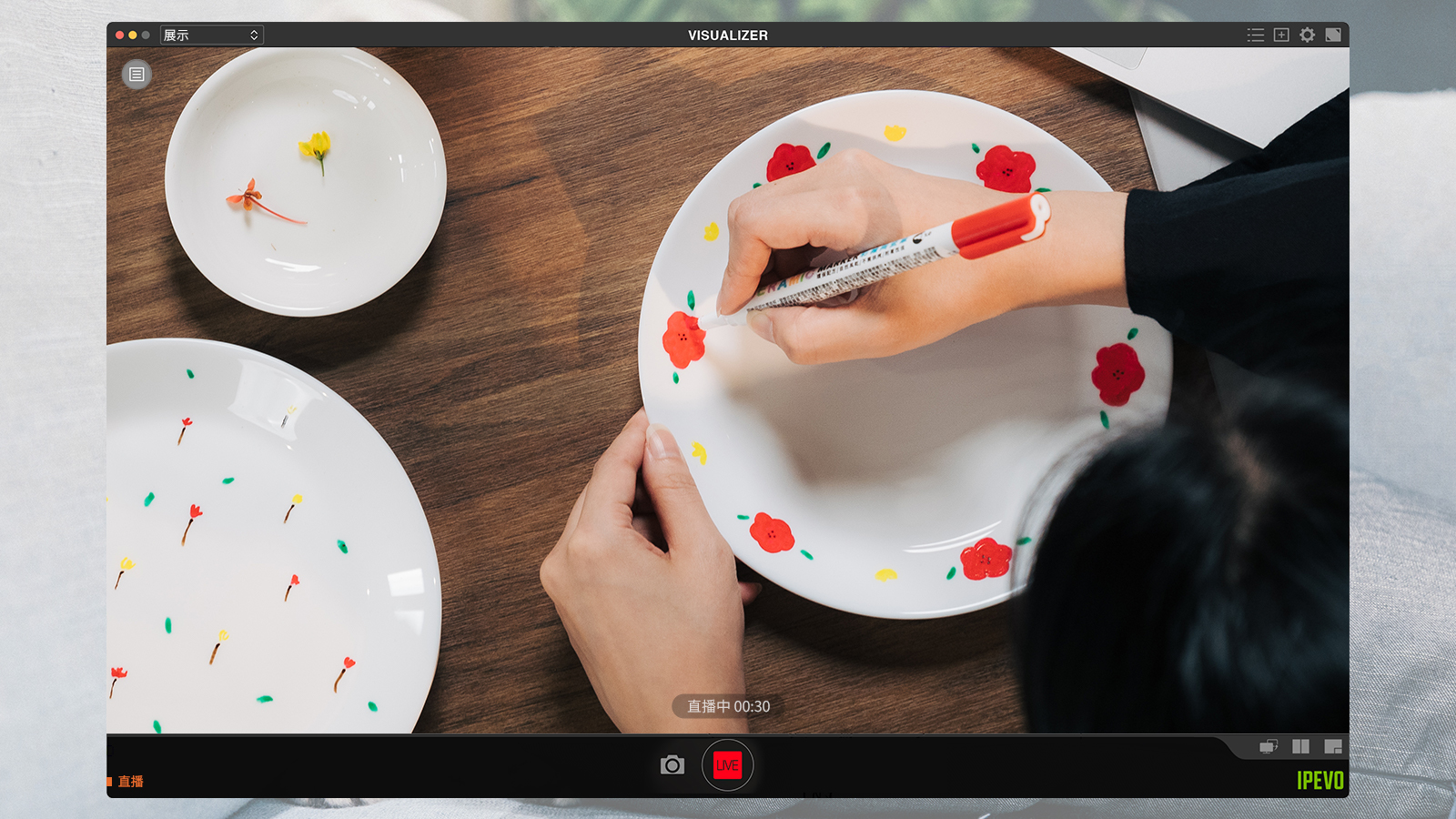
小撇步:IPEVO Visualizer 會記得您的 RTMP 直播設定,因此您不需重複輸入。
About Version 2
Version 2 Digital is one of the most dynamic IT companies in Asia. The company distributes a wide range of IT products across various areas including cyber security, cloud, data protection, end points, infrastructures, system monitoring, storage, networking, business productivity and communication products. Through an extensive network of channels, point of sales, resellers, and partnership companies, Version 2 offers quality products and services which are highly acclaimed in the market. Its customers cover a wide spectrum which include Global 1000 enterprises, regional listed companies, different vertical industries, public utilities, Government, a vast number of successful SMEs, and consumers in various Asian cities.
關於IPEVO
IPEVO源自於PChome Online硬體事業部門,2007年7月正式獨立。自2004年於台灣營運Skype網絡電信服務,使台灣成為Skype全球發展中最成功的市場。2005年起以IPEVO品牌推出一系列Skype專屬硬件產品,將Skype虛擬服務轉化為使用者實質經驗。IPEVO以簡單、實際且具有價值的經驗為產品目標,其簡潔俐落的產品風格呼應著IPEVO的核心思考與產品精神。目前已研發之產品包括:Skype有線USB話機、Skype無線話機、Skype會議系統、Skype視訊設備、Stand-alone免電腦Skype話機。

